
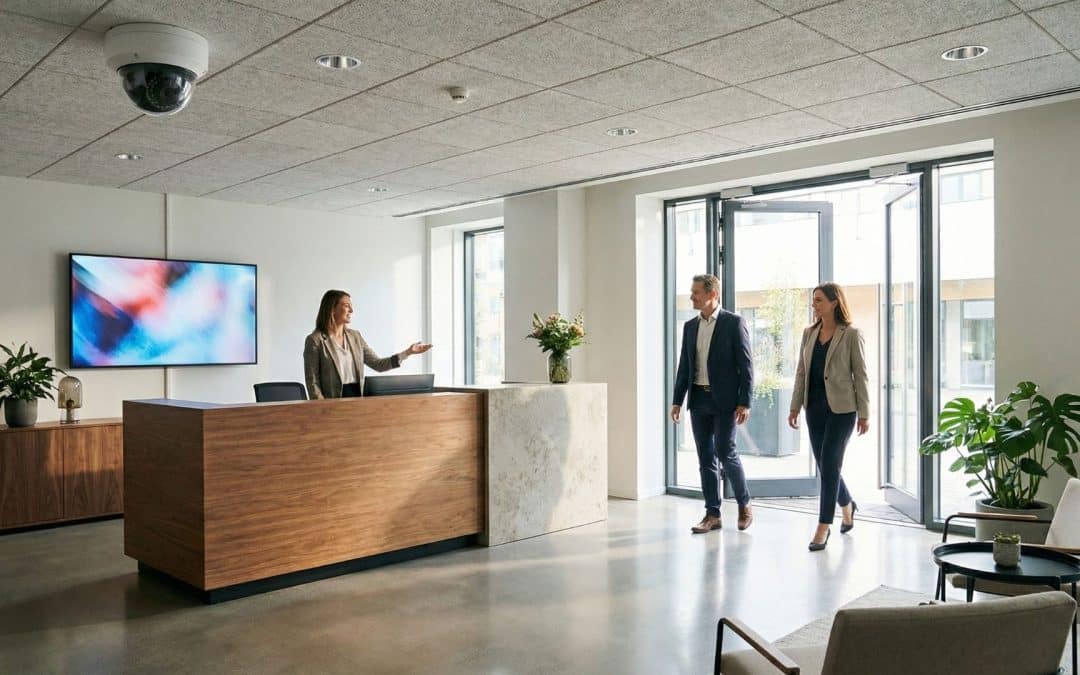
Summary: When setting up a security camera system for small offices, focus on quality over quantity. Strategic placement—like covering key entrances and valuable equipment—delivers far more value than sticking a camera in every room. Your specific layout, shared spaces, and recording needs should drive where coverage matters most. At System Links, we offer free site visits to help Colorado Springs businesses build a clear, effective layout tailored to their space and budget.
Start With the Question You Want Answered
Most small business owners start thinking about security cameras after a specific headache occurs. Maybe a package vanished from the front desk, or an unannounced visitor walked right in while reception was away.
Even with a tight-knit team, you constantly balance visitor traffic, valuable gear, and moments when the front counter is unmanned. The key is addressing those exact pain points without blowing your budget on unnecessary hardware.
At System Links, we start with a simple question: what do you actually need the footage to show? A crisp view of the main entry clears up visitor mix-ups, while targeted coverage of the delivery area gives you instant clarity on missing packages.
Setting Up a Security Camera System for Small Offices: Entryways
In most small offices, the front entrance gives you the biggest bang for your buck. It’s the single choke point where clients, staff, and delivery drivers all pass through every day.
However, camera angles make or break your results. A wide view of the lobby might catch general movement, but miss facial details—especially if visitors walk directly underneath the camera or backlight streams through glass doors.
A smart security camera system for small offices considers real-world traffic flows. Your specific door positioning, reception layout, and foot traffic paths should dictate where the camera goes.
During a free site walk-through with System Links, we’ll pinpoint where visitors pause, where packages land, and what happens when the front desk is empty, designing a layout built around your day-to-day operations.
For Colorado Springs offices with bright, street-facing glass fronts, shifting sunlight is a major factor. Choosing cameras with features like Wide Dynamic Range (WDR) can balance stark glare and deep shadows, ensuring anyone stepping inside remains clearly recognizable.
Cover the Equipment That Would Disrupt Your Work
Designing an effective security camera system for small offices requires protecting key assets without hanging a camera over every single desk. Instead, focus on access routes and overnight storage spots.
Whether you manage shared laptops in a storage nook or expensive equipment in a creative studio, one well-positioned view of the core work zone often delivers far better insights than a scattershot array of cameras aimed at individual desks.
Deliveries deserve equal thought. If packages arrive at reception and get transferred to a holding shelf, covering that handoff zone eliminates guesswork when items go missing.
It’s also crucial to protect sensitive information. An over-ambitious camera angle might accidentally record client files, computer monitors, or private credentials.
Adjusting the angle, narrowing the field of view, or using built-in privacy masking keeps your footage focused on real security concerns while safeguarding sensitive client data.
Understand Where Your Suite Ends and the Building Begins
In-suite cameras won’t tell you what happened out in the shared corridor, and building-wide footage won’t reveal what occurred inside your private office.
If you lease your space, this line matters. Your landlord might have cameras in the main lobby, but you need to know exactly what they cover and how easy it is to request footage if an incident happens.
If your security plan extends into common areas, plan ahead for property management guidelines. Your landlord can clarify rules for hallways, exterior walls, parking lots, and wire runs before installation begins.
Coordinating early in multi-tenant Colorado Springs buildings prevents redundant coverage, avoids installation hiccups, and highlights blind spots between building entrances and your doorway.
Don’t forget rear exits—especially if staff or vendors use them regularly. Even an unused back door can benefit from basic monitoring to flag unexpected after-hours activity.
Related: Security Cameras for Multi-Tenant Commercial Spaces in Colorado Springs
What You Can Leave Out of a Security Camera System for Small Offices
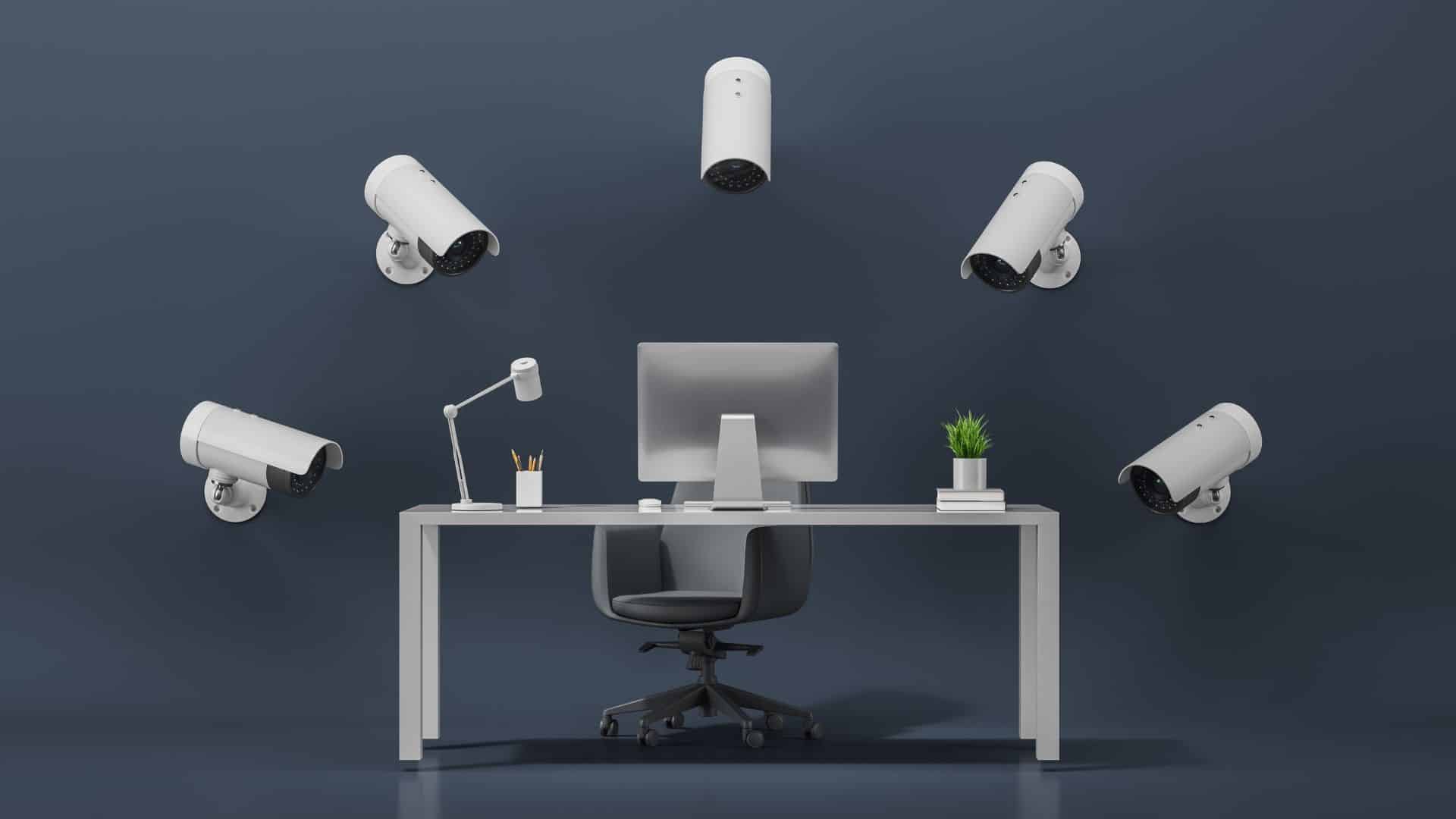
It’s tempting to think more cameras equal better security. In reality, extra equipment in a small office often creates overlapping angles, endless footage to sort through, and higher costs with no added clarity.
Having two cameras point at the same entrance while ignoring the package shelf is a layout flaw—and simply adding a third camera won’t fix poor positioning.
Give every single camera a distinct purpose. If an angle doesn’t provide meaningful insight, skip it or reprioritize the spot.
Monitoring everyday desk work, breakrooms, or private meeting areas rarely helps solve security incidents. Don’t add cameras to these spots just because you have spare ports on your recorder.
Restrooms and private spaces should strictly remain off-limits. Audio recording also involves complex legal guidelines, so consult professional advice before enabling microphones rather than turning them on by default.
System Links provides straightforward installation services without upsell pressure, commission tactics, or mandatory monitoring subscriptions. Our recommendations stay 100% focused on what your business actually needs.
Make the Footage Easy to Find Later
Consider who will manage your footage and how quickly issues get noticed. A problem discovered on Monday morning means reviewing several days of recording rather than just a few hours.
Your recording history needs to reflect your real operational rhythm. Storage capacity, camera resolution, frame rates, and recording schedules all dictate how far back you can look.
No universal standard exists for retention – system settings can be adjusted to meet your actual business needs and industry requirements.
Remote access lets you check in off-site whenever you need to. Protect your system using individual user logins, strict permission levels, strong passwords, and multi-factor authentication (MFA).
When installation wraps up, you should feel fully confident searching recordings, reviewing clips, and exporting video before auto-deletion kicks in. Knowing how your setup handles power outages or network drops keeps you prepared for surprises.
Fit the Installation Around a Normal Workday
Even straightforward installs involve running cable, accessing ceiling spaces, and mounting hardware. Proper scheduling minimizes noise and keeps your workday running smoothly.
System Links can install gear you’ve already purchased or help evaluate if existing hardware meets your goals. We also provide ongoing local maintenance and repairs whenever your system needs a tune-up.
A detailed upfront proposal clearly outlines hardware and installation costs before any work begins, covering recording setups, remote access features, and any potential recurring costs.
Why Choose System Links?
At System Links, we turn security goals into a practical, hassle-free plan. You don’t need to master technical camera specs or shop for hardware in advance.
As a local Colorado Springs business, we provide free site visits to assess your space in person. We evaluate entryway lighting, review shared areas, and pinpoint where footage matters most.
Our commercial CCTV installation services deliver custom solutions designed for your office layout and budget. We walk you through every camera placement so you feel fully informed.
We also offer dedicated ongoing support and troubleshooting. If hardware needs servicing or your layout evolves down the road, you’ll always have a trusted local expert ready to help.
Choose a Security Camera System for Small Offices That Fits Your Needs
A security camera system for small offices should deliver peace of mind without overcomplicating your daily routine. Smart entryway coverage, key equipment views, and easy video retrieval build a strong foundation.
Whether you need targeted upgrades or a brand-new system layout, a site visit helps you explore options and maximize your investment.
Contact System Links to book a free, no-obligation site assessment for your Colorado Springs office today. Let’s design a security system that works for your space and budget!
FAQs About a Security Camera System for Small Offices
How many cameras should a small office have?
Your layout and security priorities determine the number of cameras. An entrance and equipment area may need separate views, while a compact reception space may require less coverage. A site visit helps you identify useful angles without relying on a preset package size.
Can a security camera system for small offices use cameras you already own?
A security camera system for small offices can use existing equipment when its capabilities and condition support your needs. System Links installs customer-supplied systems and can discuss your current equipment. Contact us for a free site visit before purchasing replacements.
Should you put cameras over every employee’s desk?
Individual desk coverage may add little value when your concern involves entrances or shared equipment. Consider the purpose of each view and whether it unnecessarily captures screens or confidential documents. Your layout should balance useful security information with appropriate privacy practices.
Does your building’s camera system replace the need for office cameras?
Building cameras may cover shared entrances without showing activity inside your suite. Ask your property manager about coverage, retention, and access to footage before assuming it answers your concerns. Then, you can focus your own suite’s security camera installation on any relevant gaps in coverage. Get started with your free site security evaluation from System Links.
Related posts:
 Security Cameras For Multi-Tenant Commercial Spaces in Colorado Springs
 Security Camera Installation for Restaurants in Colorado Springs: Protecting Cash, Staff, and Entrances
 Security Camera Placement in Parking Lots: Protect Your Property and Customers
 How to Maintain Security Cameras in Colorado Springs: Keep Your System Running Strong