
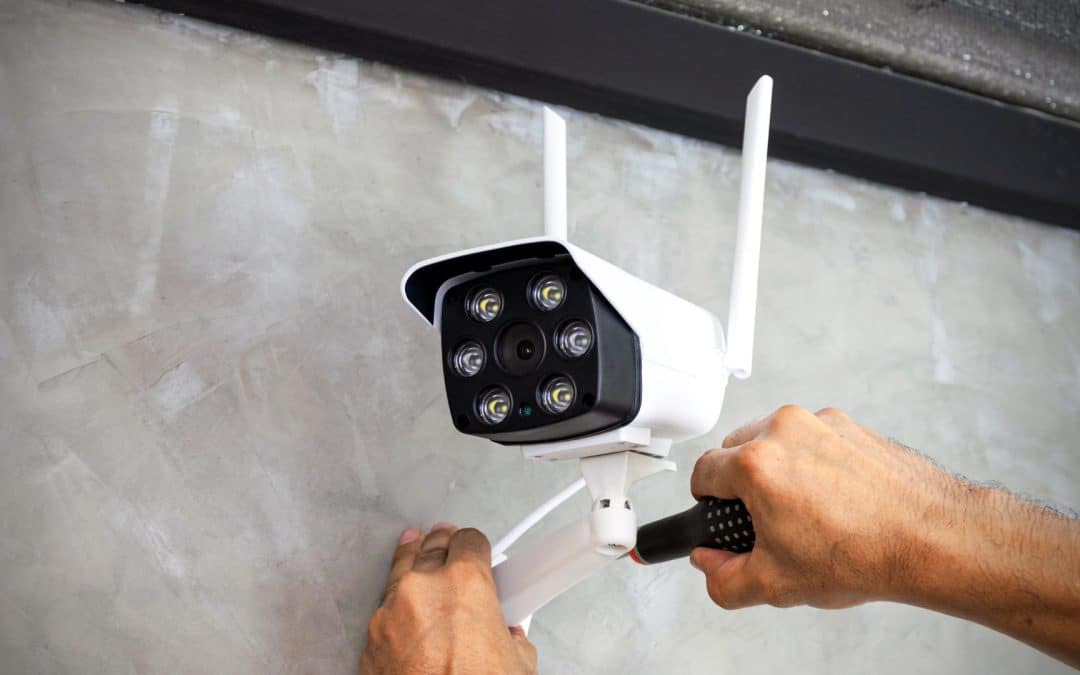
Original Published: July 3, 2023 | Updated: June 10, 2026
Summary: Learning how to maintain security cameras protects your investment and ensures reliable surveillance year-round. Routine checks prevent recording failures, improve video clarity, and keep systems dependable through Colorado’s dramatic weather swings and normal wear and tear. Regular maintenance catches small issues before they become costly problems, giving you peace of mind that your property stays protected when you need it most.
Why Your Security Camera System Might Be Failing You Right Now
You installed security cameras to protect what matters most. But when you need footage of a break-in, vandalism, or suspicious activity, will your system actually work?
Many Colorado Springs property owners discover too late that their cameras stopped recording weeks ago, lenses are too dirty to identify faces, or weather damage has knocked critical angles offline. The frustration of paying for a security system that fails during the one moment you need it is completely avoidable. The difference between a camera system that protects you and one that lets you down comes down to consistent maintenance.
When you maintain security cameras properly, you prevent recording gaps, ensure crystal-clear footage, and extend your system’s lifespan by years. Colorado’s intense sun, sudden hailstorms, temperature swings, and blowing dust create unique challenges that demand attention. Your cameras face conditions that can degrade performance faster than you realize.
Understanding What Happens When You Don’t Maintain Security Cameras
Before we discuss solutions, let’s address what’s at stake. Security camera systems don’t just stop working overnight—they degrade gradually until they’re essentially useless.
- Recording failures: Cameras may appear operational, but stop saving footage due to full storage, corrupted files, or connection issues you won’t notice until it’s too late.
- Image quality decline: Dust, pollen, and weather residue accumulate on lenses, turning clear footage into blurry, unusable images that can’t identify faces or license plates.
- Weather damage: Colorado Springs experiences over 300 days of sunshine, intense UV exposure, sudden temperature drops, and occasional severe storms that crack housings, fade components, and compromise weatherproofing.
- System vulnerabilities: Outdated firmware leaves your cameras exposed to security breaches, while loose connections create intermittent failures that are difficult to diagnose.
- Shortened lifespan: Neglected cameras fail years earlier than well-maintained systems, forcing you into expensive replacements and preventing you from getting your full return on investment.
Also on our blog: Security Cameras For Multi-Tenant Commercial Spaces in Colorado Springs
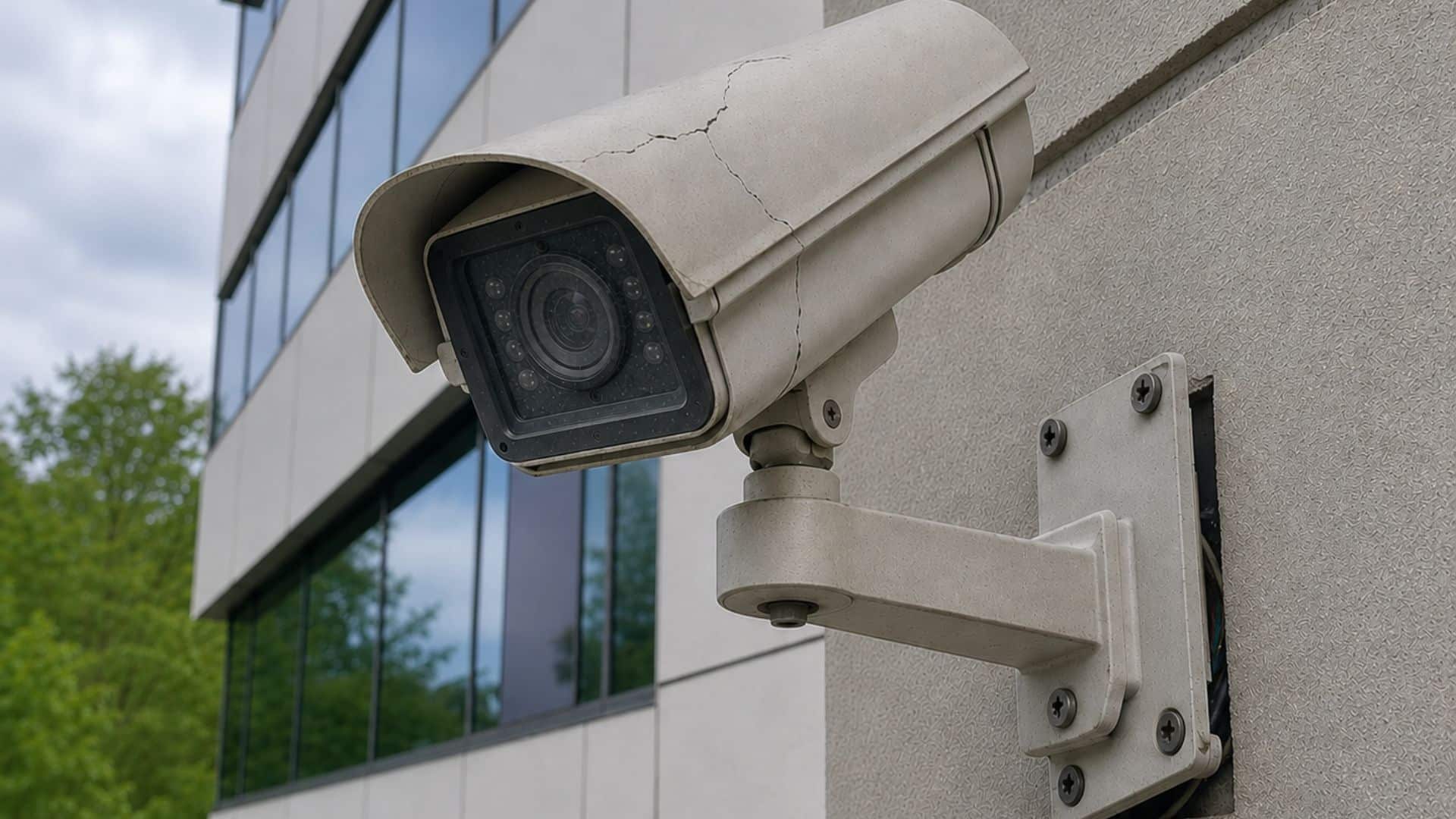
How to Maintain Security Cameras: Seasonal Checklist for Colorado
Colorado’s distinct seasons each bring specific challenges to your surveillance system. Following this seasonal approach helps you maintain security cameras effectively throughout the year.
Spring Maintenance (March – May)
Spring is the perfect time to assess your system after winter’s harsh conditions have taken their toll.
- Inspect for winter damage: Check camera housings, mounts, and cables for cracks, corrosion, or loosening caused by freeze-thaw cycles and snow accumulation.
- Clean thoroughly: Remove winter grime, pollen buildup, and debris from lenses using a soft, lint-free cloth designed for optics.
- Check drainage: Ensure camera housings drain properly and no moisture has accumulated inside enclosures during spring rains.
- Test motion detection: Recalibrate sensitivity as increased activity from wildlife, blooming vegetation, and longer daylight hours can trigger false alerts.
- Verify coverage angles: Confirm that growing trees, shrubs, or landscaping changes haven’t blocked critical viewing areas.
Summer Maintenance (June – August)
Colorado’s intense summer heat and increased dust require focused attention to keep your cameras performing at their best.
- Address heat exposure: Verify cameras aren’t overheating in direct Colorado sun, which can damage internal components and degrade image sensors.
- Clean more frequently: Dust storms and construction activity increase airborne particles that coat lenses and reduce clarity.
- Check power connections: Heat expansion can loosen electrical connections, so ensure all cables remain secure.
- Update firmware: Summer is ideal for applying manufacturer updates that improve performance and patch security vulnerabilities.
- Test night vision: Longer days mean less night vision use, but verify infrared LEDs still function properly for when you need them.
Fall Maintenance (September – November)
Preparing your surveillance system for winter starts in the fall, before the coldest months arrive.
- Prepare for weather changes: Inspect weatherproofing seals and enclosures before winter storms arrive.
- Clear falling debris: Remove leaves, pine needles, and other organic material from cameras and their mounting areas, which could trap moisture.
- Adjust for lighting changes: Shorter days and changing sun angles may require repositioning cameras or adjusting exposure settings.
- Verify heating elements: If your cameras include built-in heaters for winter operation, test them before freezing temperatures arrive.
- Check storage capacity: Review and archive footage to ensure adequate space for increased indoor activity during holiday seasons.
Winter Maintenance (December – February)
Winter’s freezing temperatures and snow accumulation demand vigilant monitoring to keep your security system operational.
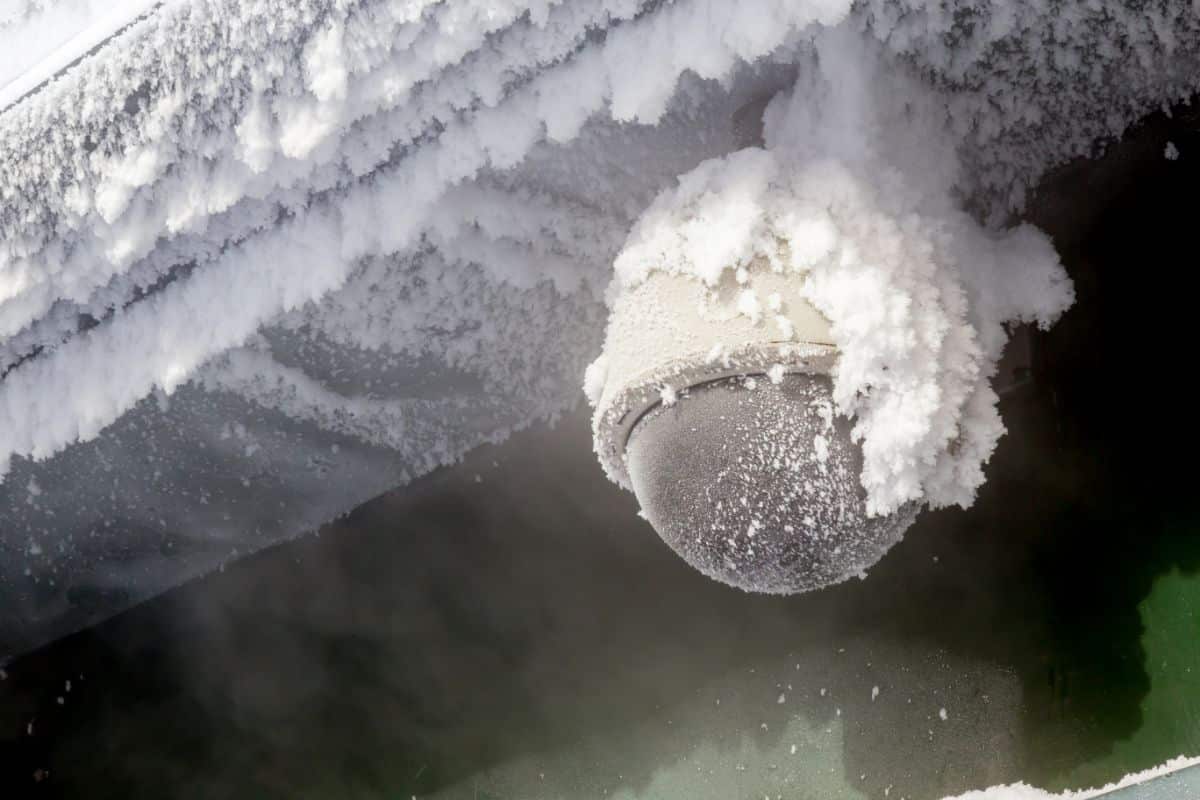
- Monitor ice and snow buildup: Regularly clear snow and ice from camera housings to maintain unobstructed views and prevent damage from accumulated weight.
- Inspect after storms: Check cameras following heavy snow, ice storms, or high winds for shifted angles, damaged mounts, or compromised connections.
- Verify cold-weather performance: Ensure cameras rated for Colorado’s temperature extremes continue to operate reliably during cold snaps.
- Protect against moisture: Watch for condensation inside housings that can fog lenses and damage electronics.
- Test backup power: If you have battery backup systems, verify they maintain charge in cold conditions when you’re most likely to need them.
Signs Your Security Camera System Needs Professional Service
Knowing when to maintain security cameras yourself versus calling for professional help saves time and prevents further damage. Watch for these warning signs:
- Video quality issues: Persistent blurriness, color distortion, flickering, or pixelation that cleaning doesn’t resolve indicate sensor or processing problems.
- Recording gaps: Missing footage, failed recordings, or cameras that randomly stop working suggest storage, software, or hardware failures.
- Connection problems: Frequent disconnections, inability to access cameras remotely, or “camera offline” notifications point to network or power issues.
- Physical damage: Cracked housings, exposed wiring, loose mounts, or evidence of corrosion warrant prompt professional repairs to help prevent a complete loss of functionality.
- Outdated technology: Systems more than five years old may lack features like higher resolution, better night vision, or modern cybersecurity protections.
- False alerts or no alerts: Motion detection that constantly triggers incorrectly or fails to notify you of actual events needs recalibration or replacement.
Keep Reading: CCTV Maintenance Plans: Essential Protection for Your Colorado Springs Business
Essential Steps to Maintain Security Cameras Between Professional Services
While professional maintenance ensures comprehensive care, you can maintain security cameras between service visits with these practical steps:
- Monthly visual inspections: Walk your property and check each camera for obvious issues, such as shifted angles, spider webs, or visible damage.
- Lens cleaning: Gently wipe lenses with appropriate cleaning cloths every few weeks, more frequently during dusty conditions or after storms.
- Test your system: Regularly review recorded footage to verify that cameras capture clear images and record properly across all angles.
- Monitor system alerts: Pay attention to notifications from your security system about storage capacity, connection issues, or detected problems.
- Keep vegetation trimmed: Maintain clear sightlines by trimming trees, bushes, and plants that grow into the camera’s view.
- Document changes: Note any performance changes, unusual behavior, or environmental factors that might affect your cameras.
Why Choose System Links Colorado for Security Camera Maintenance
When you need to maintain security cameras professionally, choosing a local Colorado Springs provider offers significant advantages over national chains or DIY approaches.
- Local weather knowledge: We understand exactly how Colorado Springs’ unique climate—intense sun, sudden hailstorms, temperature extremes, and high altitude—affects security equipment. National companies apply generic maintenance schedules that don’t account for our specific conditions.
- Faster response times: When your security system needs attention, we’re minutes away, not waiting for a regional technician to schedule you weeks out. Your property’s protection can’t wait for corporate scheduling systems.
- Personalized service: We know your property, your system, and your specific security concerns. You work with the same knowledgeable team that understands your needs, not a different technician each visit.
- Comprehensive local support: Whether you purchased cameras from us or from retailers like Costco, Sam’s Club, Best Buy, or Amazon, we provide the same dedicated maintenance and troubleshooting services. Learn more here: Need Help Installing Security Cameras from Costco? System Links is the Answer You’ve Been Searching For!
- Relationship-based approach: As a locally owned business, our reputation depends on your satisfaction. We’re invested in your long-term security success, not just completing a service ticket.
- Customized maintenance plans: We design maintenance schedules around your property’s specific needs, usage patterns, and Colorado’s seasonal challenges, rather than relying on one-size-fits-all contracts.
Protect Your Investment: Schedule Your Security Camera Maintenance Today
Don’t wait until your security cameras fail when you need them most. Regular maintenance prevents recording failures, maintains video clarity, and keeps your surveillance system reliable year-round.
At System Links Colorado, we make it easy to maintain security cameras with comprehensive CCTV service agreements tailored to your property and budget. Our maintenance agreements include thorough inspections, professional cleaning, firmware updates, performance testing, and priority troubleshooting.
Whether you need seasonal maintenance, are experiencing system issues, or want to establish a preventive care schedule, we’re here to help. Contact System Links today to schedule your security camera maintenance service or request your free on-site consultation. Let us help you keep your property protected year-round with surveillance systems you can count on.
FAQs: Maintain Security Cameras in Colorado Springs
How often should I maintain security cameras in Colorado Springs?
You should maintain security cameras professionally at least twice yearly—ideally in spring and fall—to address seasonal challenges. Monthly self-inspections and lens cleaning between professional services keep your system performing optimally. Colorado’s weather extremes make regular maintenance more critical here than in milder climates. Properties with higher security needs or harsh exposure may benefit from quarterly professional maintenance.
Can I maintain security cameras myself, or do I need professional help?
You can handle basic tasks like lens cleaning, visual inspections, and vegetation trimming yourself. However, professional maintenance is essential for firmware updates, internal inspections, connection testing, weatherproofing verification, and addressing performance issues. If you’re unsure about any aspect of camera maintenance or notice problems you can’t resolve, contact System Links for professional service that protects your investment.
What’s included in professional security camera maintenance services?
Professional maintenance includes comprehensive camera inspection, lens and housing cleaning, firmware updates, connection testing, motion detection calibration, storage verification, weatherproofing checks, and performance optimization. We also identify potential issues before they cause failures, adjust camera angles as needed, and provide recommendations for system improvements. Our maintenance agreements ensure your cameras receive consistent care throughout the year.
Do security cameras require different maintenance in Colorado than in other locations?
Absolutely. Colorado Springs’ high altitude, intense UV exposure, dramatic temperature swings, low humidity, sudden storms, and blowing dust create unique challenges. Cameras here experience faster weathering, greater dust accumulation, greater thermal stress, and a higher risk of weather damage compared to moderate climates. That’s why working with a local provider who understands these specific conditions helps you maintain security cameras more effectively and extend their operational life.
Related posts:
 Stay Safe This Season With These Holiday Home Security Tips
 Halloween Security Tips: Protect Your Colorado Springs Home This Spooky Season
 Analog or Digital Security Camera System: Which Solution Offers the Best Protection?
 Security Camera Placement in Parking Lots: Protect Your Property and Customers